

Built for a higher perspective
Video reception
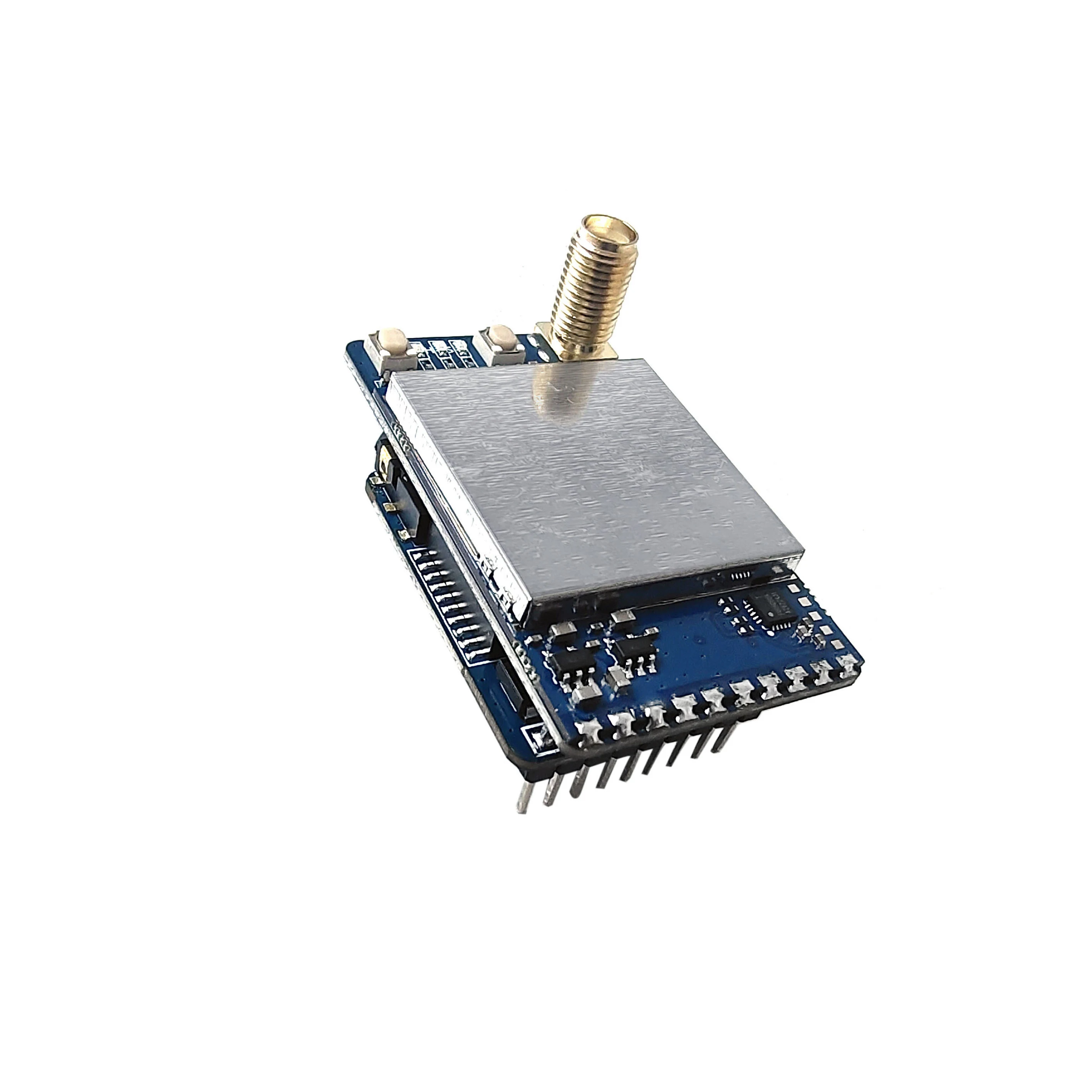
VRX-3301 3.3GHz FPV Video Receiver
A 64-channel 3.3 GHz analog receiver for FPV video integration. The receiver supports standalone CVBS output, channel search, RSSI and a goggles pin-header connection.
- Frequency range
- 3060–3495 MHz
- Channel count
- 64 channels
- Cable power input
- 7–36 V
- Video output
- CVBS
A closer look at VRX-3301
Inspect the hardware, connector positions and installation details.
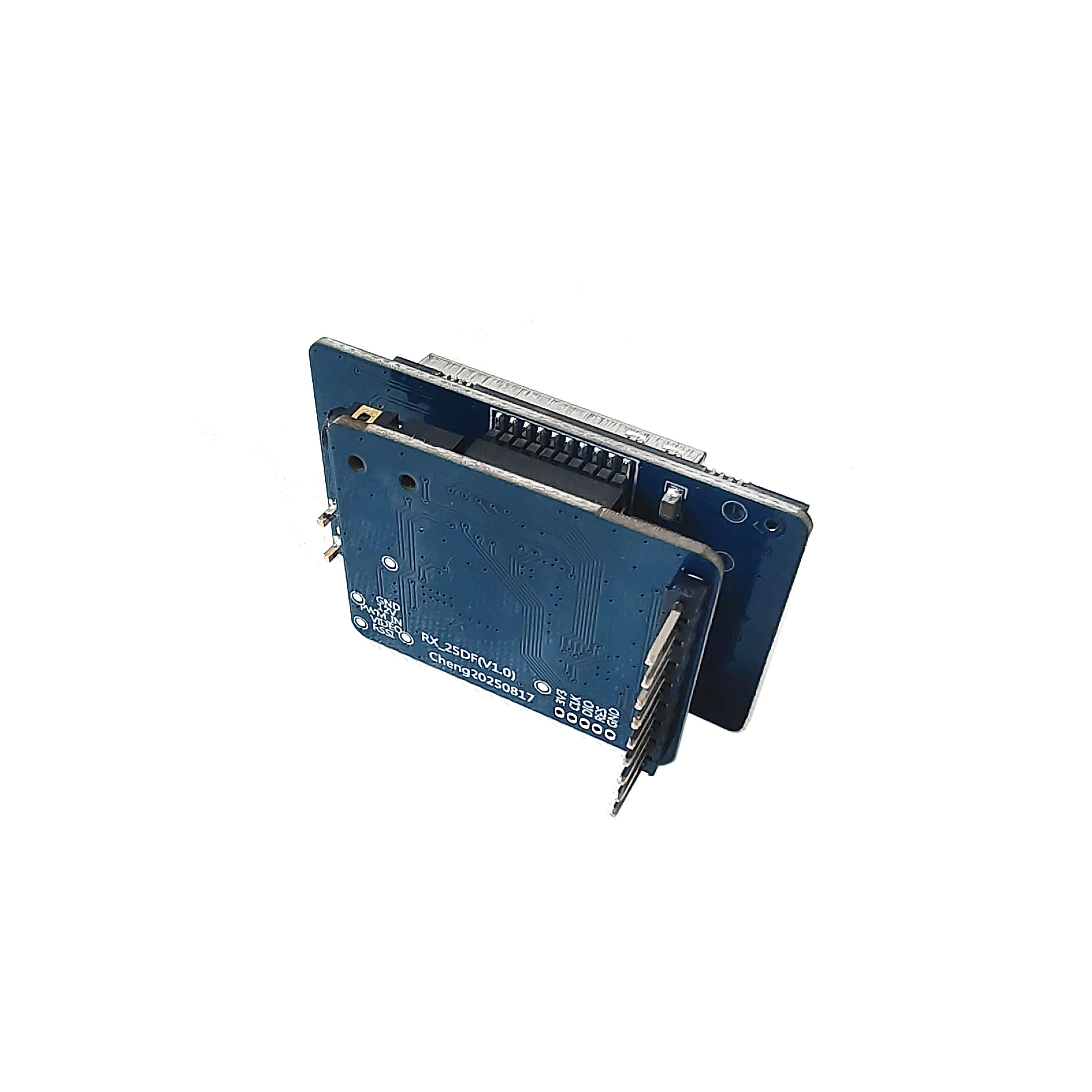
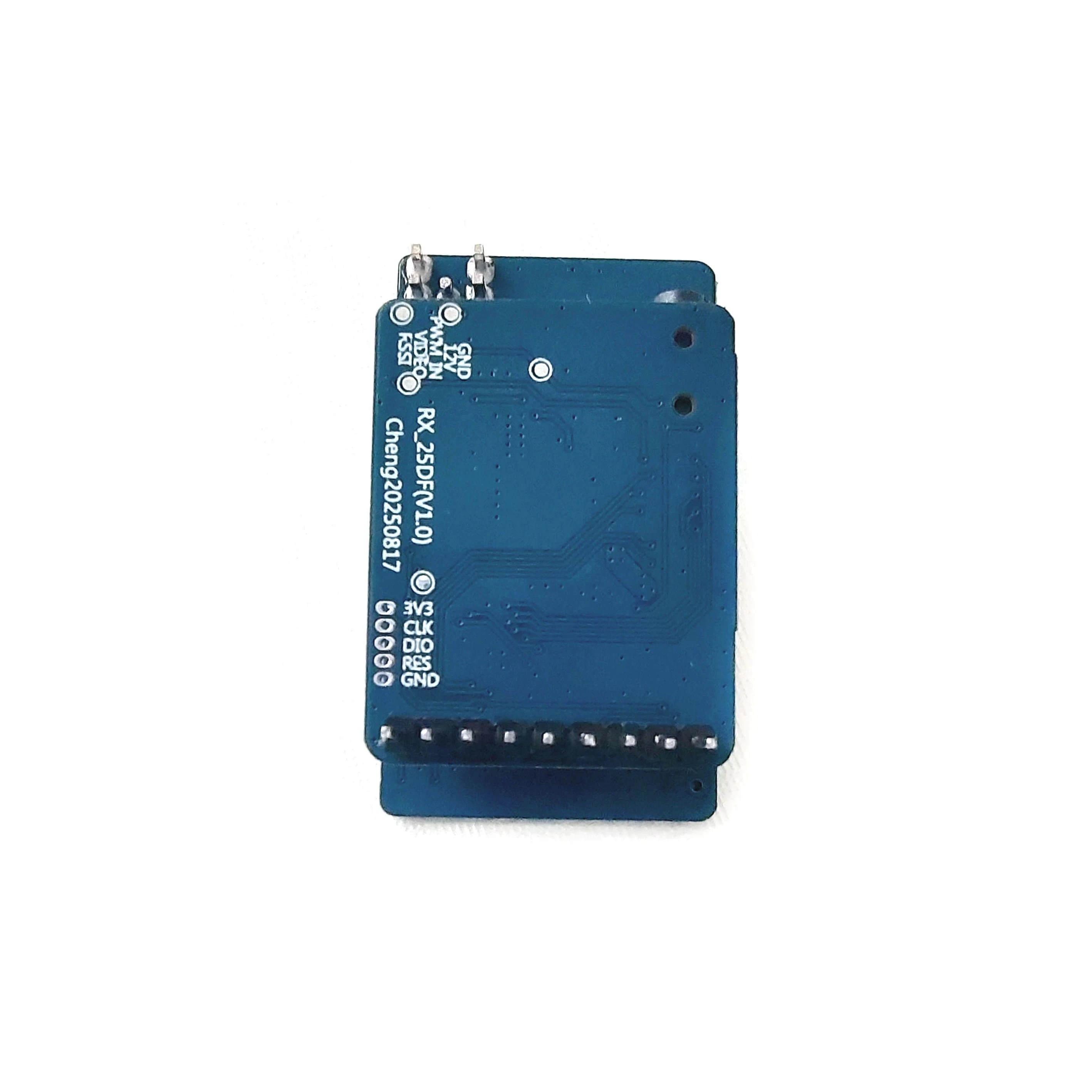
Confirm the supplied accessories and connection requirements when enquiring.
VRX-3301 specifications
The key electrical specifications, together in one place.
| Model | VRX-3301 |
|---|---|
| Frequency range | 3060–3495 MHz |
| Channel count | 64 channels |
| Cable power input | 7–36 V |
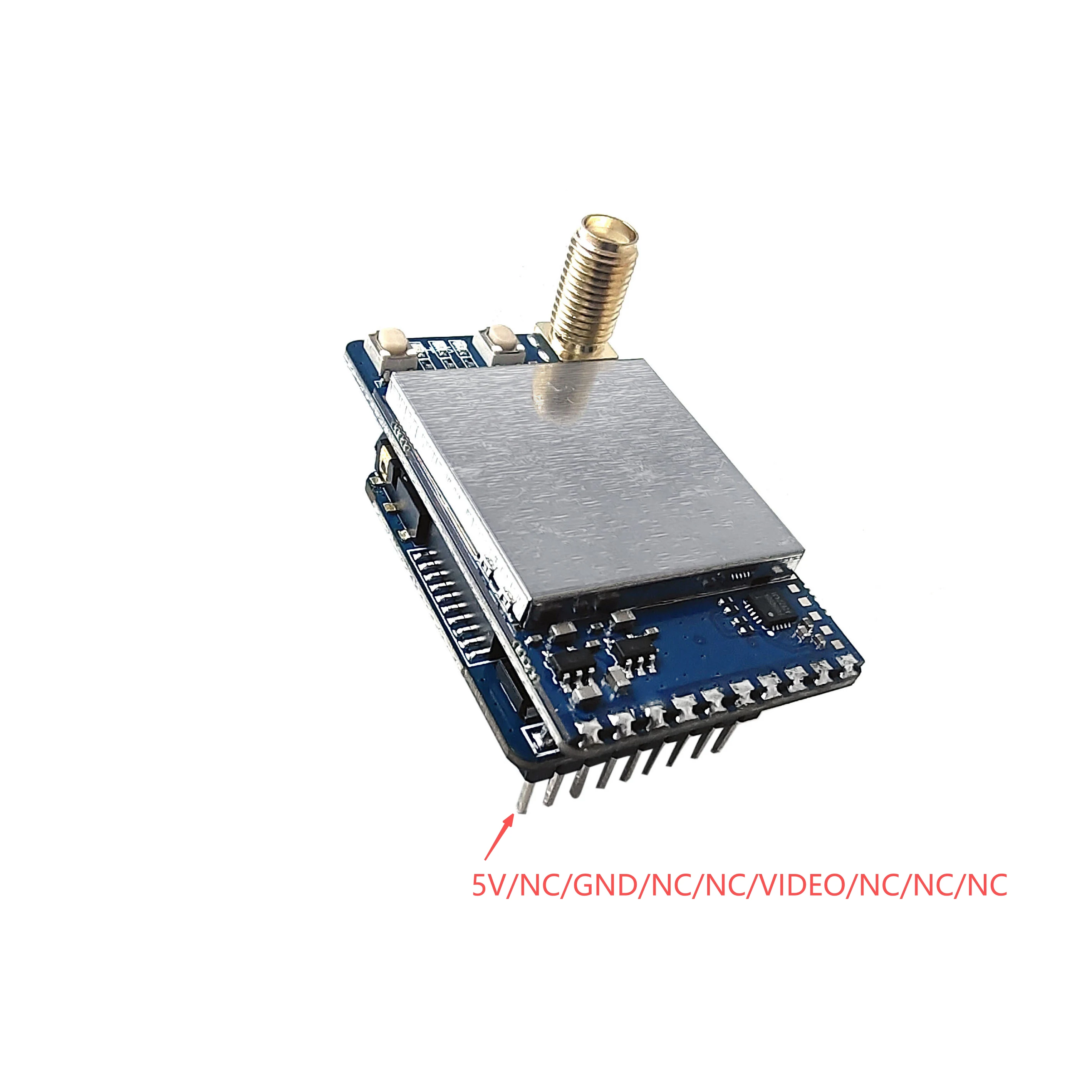
| Goggles power pin | 5 V |
| Receiving sensitivity | −95 dBm |
| RF input impedance | 50 Ω |
| Video output | 1 Vp-p / 75 Ω |
| Video jack | 2.5 mm |
| Cable connector | 1.0 mm pitch, 5 pins |
| Goggles pin header | 2.54 mm pitch |
| Signal output | RSSI |
| Operating temperature | −10 to +65 °C |
Match the exact operating frequency across your video system before installation.
Controls and connection reference
The receiver provides a separate cable interface and goggles pin header. Match the power source to the interface you are using.
5-pin cable functions
- 1 · GND
- Ground / power return.
- 2 · DC IN
- Cable power input: 7–36 V.
- 3 · PWM
- Pulse interface for channel adjustment.
- 4 · VIDEO
- CVBS video output.
- 5 · RSSI
- Received signal-strength level output.
Use the 7–36 V cable input for the specified supply range. The separate goggles pin header is labelled 5 V; do not connect a wide-voltage supply to that pin.
Button operation
Select a band
Short-press the band button to cycle FR1–FR8. The green LED flash count indicates the selected band.
Search for a signal
Hold the band button for 2 seconds to start automatic search. The blue LED flashes during the search; the receiver selects the strongest detected image signal.
Select a channel
Short-press the channel button to cycle CH1–CH8. The red LED flash count indicates the selected channel.
Antenna connection reference
Match the antenna to the frequency selected on the receiver and transmitter.
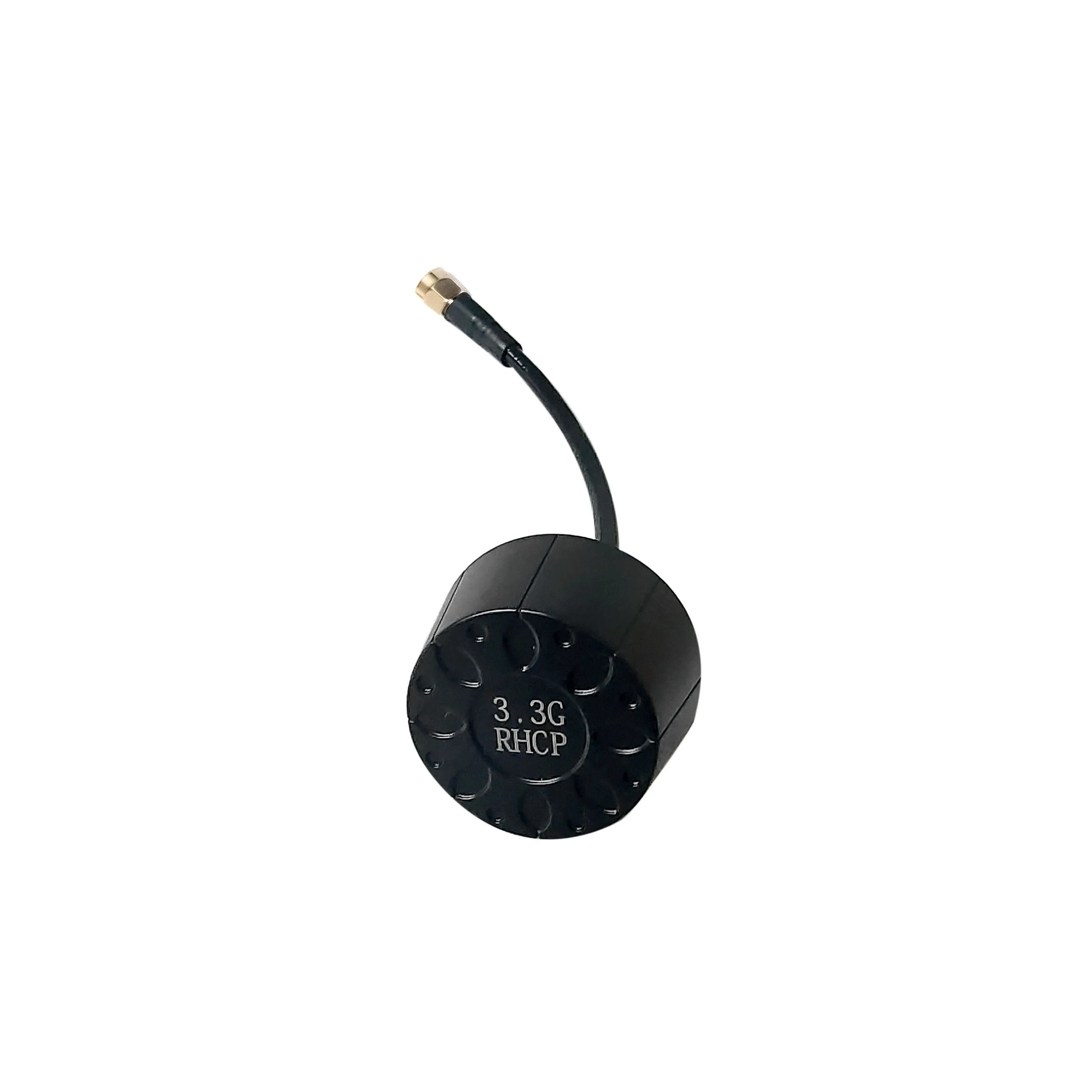
Confirm the antenna and accessory supply scope for your order.
| Receiver frequency range | 3060–3495 MHz |
|---|---|
| Receiver RF impedance | 50 Ω |
Check your setup before ordering.
Check frequency, power connections and installation clearance before ordering.
Match the operating frequency
Set both ends of your video link to the same frequency.
Check the power connection
Keep the cable supply and the 5 V goggles pin distinct. Check connector orientation and polarity before applying power.
Check installation clearance
Leave room for the antenna, cable connectors and controls.
Enquire about VRX-3301.
Tell us your quantity and setup requirements. We will confirm pricing and delivery options.