

Built for a higher perspective
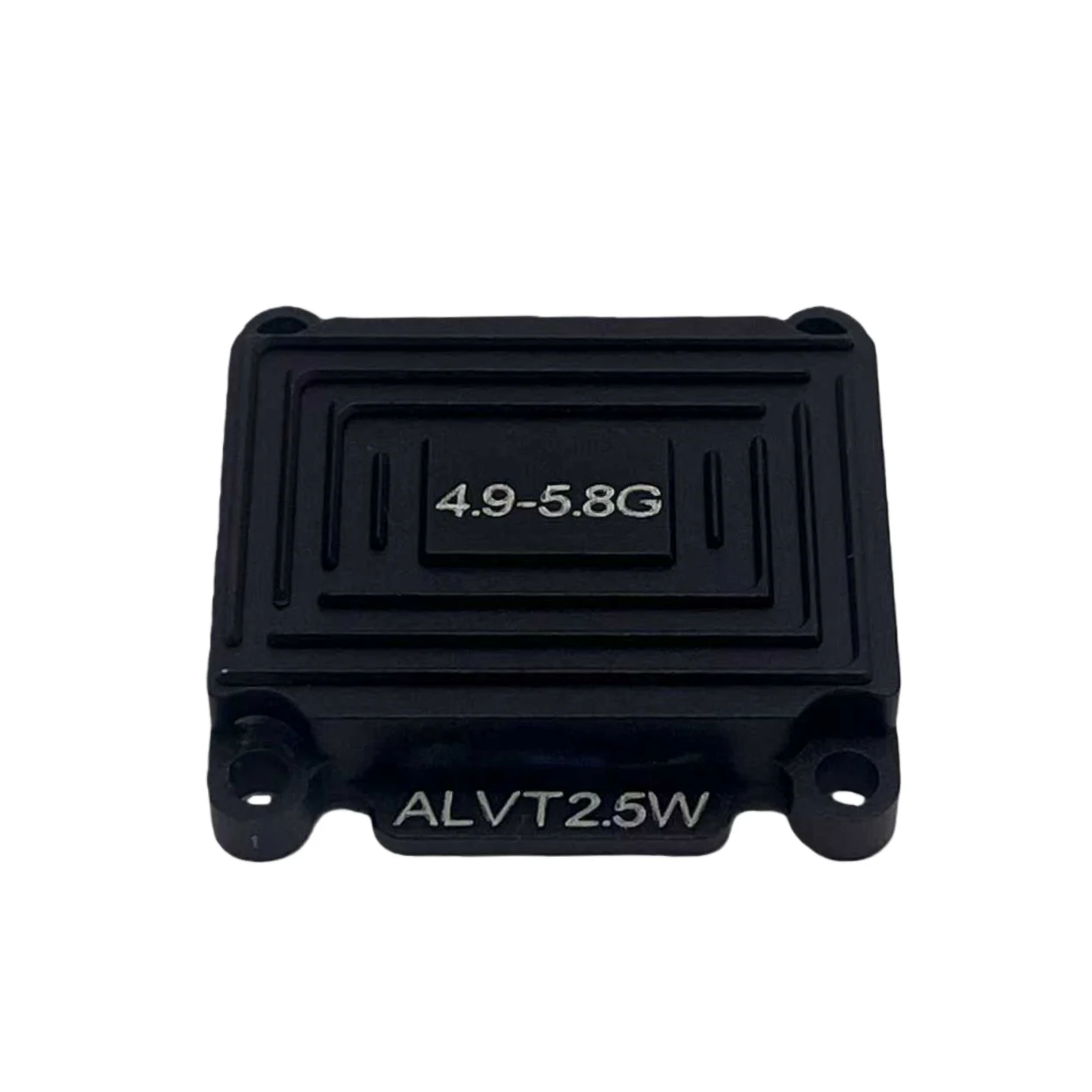
Video transmission
Shrimp B 5.8G 2.5W FPV Video Transmitter
A 64-channel analog FPV video transmitter with five selectable power levels up to 2.5 W, NTSC/PAL video input and IRC Tramp control. A 7–36 V input supports integration with your FPV power system.
- Channel count
- 64 channels
- Maximum RF output
- 2.5 W
- Input voltage
- 7–36 V
- VTX control
- IRC Tramp
A closer look at Shrimp B 5.8G 2.5W
Inspect the hardware, connector positions and installation details.
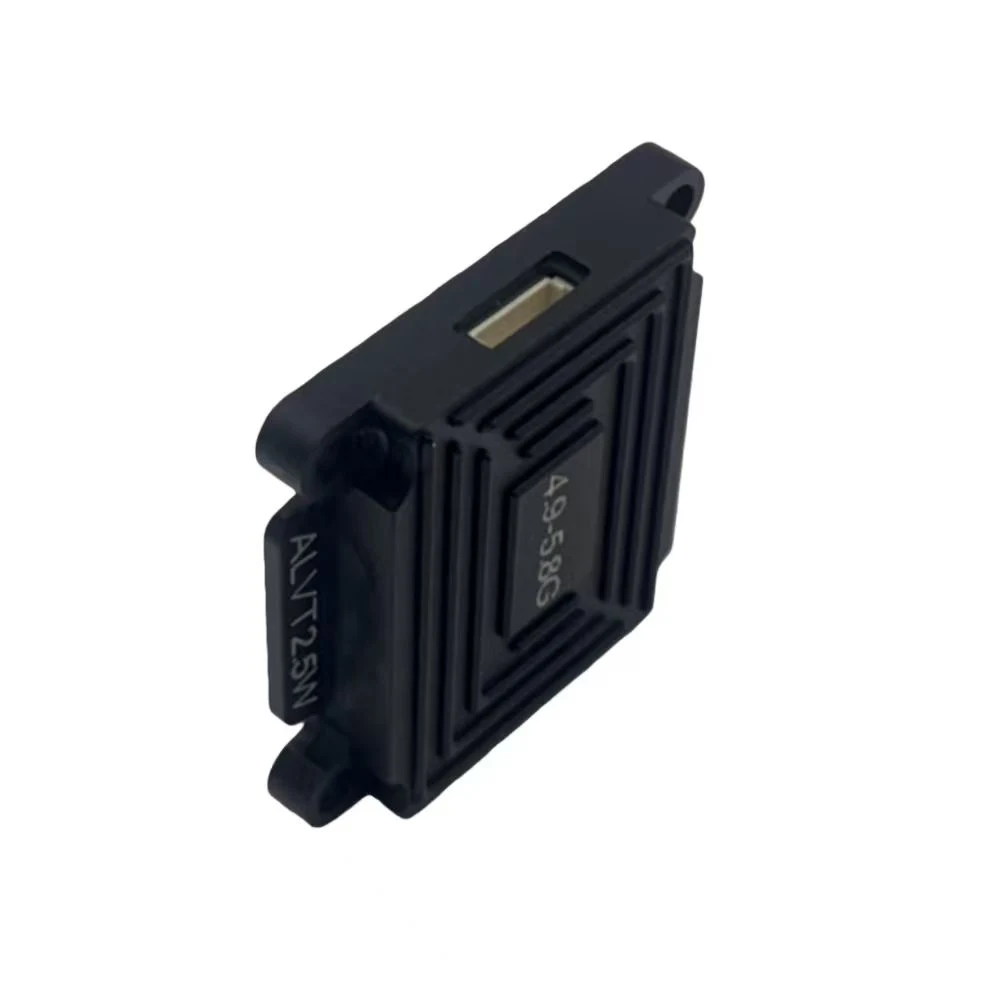
Confirm the supplied accessories and connection requirements when enquiring.
Shrimp B 5.8G 2.5W specifications
The key electrical specifications, together in one place.
| Product | Shrimp B 5.8G 2.5W |
|---|---|
| Frequency band | 4.9–5.8 GHz |
| Channel count | 64 channels |
| Input voltage | 7–36 V |
| Output settings | PIT / 25 / 400 / 800 / 1500 / 2500 mW |
| Current at 800 mW | ≤450 mA at 12 V |
| Current at 2500 mW | ≤850 mA at 12 V |
| Video format | NTSC / PAL |
| Control protocol | IRC Tramp |
| Accessory power output | 5 V OUT |
Match the exact operating frequency across your video system before installation.
Controls and connection reference
Connect the camera video signal and control wire to the matching VTX inputs. Check the connector labels before applying power.
Cable signal definitions
- 7–36V IN
- Power input; check polarity.
- GND
- Ground / power return.
- 5V OUT
- 5 V output for an accessory; this is not the VTX supply input.
- VIDEO
- Analog video input.
- DATA
- IRC Tramp control input; connect to the configured flight-controller UART TX.
These signal names describe the functions, not the physical pin order. Match the supplied harness and connector labels before wiring.
Button operation
Select a channel
Short-press the button to select a channel. The green C1/C2/C3 indicators show the channel; allow 5 seconds to save.
Select a frequency group
Hold the button for 2 seconds, then short-press to cycle through groups. The blue FR indicator shows the group; allow 5 seconds to save.
Set RF power
Hold the button for 6 seconds, then short-press to choose 25, 400, 800, 1500 or 2500 mW. The red R1 flash count indicates the setting; allow 5 seconds to save.
Use IRC Tramp or manual control
IRC Tramp supports channels 1–40. For the remaining groups, disable IRC Tramp in Betaflight before manual setup. If locked, hold the button for 15 seconds; a flashing R1 indicates the unlocked state.
Toggle PIT mode
Double-click the button to enter or exit PIT mode. R1 goes out in PIT mode.
Connect a suitable antenna before powering the transmitter.
Antenna connection reference
Select an antenna for the exact operating frequency and match the connector to the supplied transmitter.
| Transmitter operating band | 4.9–5.8 GHz |
|---|
Connection and selection
- Verify the antenna coverage
- Check the antenna bandwidth for the exact channel you plan to use, especially at the lower end of the operating band.
- Check the connection
- Confirm the connector and adapter before ordering. Do not operate the transmitter with the RF output disconnected.
Confirm the antenna and accessory supply scope for your order.
Check your setup before ordering.
Check frequency, power connections and installation clearance before ordering.
Match the operating frequency
Set both ends of your video link to the same frequency.
Check the power connection
Use the 7–36 V power input with correct polarity. Keep the 5 V accessory output separate from the supply input.
Check installation clearance
Leave room for the antenna, cable connectors and controls.
Enquire about Shrimp B 5.8G 2.5W.
Tell us your quantity and setup requirements. We will confirm pricing and delivery options.